
Are you looking for a seamless viewing experience on your iPhone or iPad? Look no further than Hoxtoon, the top IPTV service provider in the USA. With Hoxtoon’s IPTV app for iOS, you can enjoy your favorite TV channels and on-demand content with ease.
Hoxtoon’s IPTV app is designed to provide a user-friendly interface. It makes it simple to navigate and find your favorite content. You can download the IPTV app directly from the App Store and start streaming in no time.
Key Takeaways
- Easy setup and user-friendly interface
- Access to a wide range of TV channels and on-demand content
- Compatible with iPhone and iPad devices
- Seamless viewing experience with minimal buffering
- Regular updates for improved performance
Understanding IPTV and Its Benefits for iOS Users
IPTV opens a world of endless entertainment on Apple devices. It changes how you watch TV.
What is IPTV Technology?
IPTV, or Internet Protocol Television, streams TV over the internet. It’s different from traditional TV, which uses cables or satellite. For iOS users, IPTV means you can watch live TV on iOS devices without cables or subscriptions.
IPTV gives you a flexible and personal viewing experience. You can watch your favorite shows and movies anytime, anywhere.
To learn more about IPTV technology, you can visit this resource for a deeper dive into how IPTV works.
Why IPTV is Revolutionizing Television Consumption
IPTV is changing TV watching by making it more flexible, interactive, and personal. With IPTV, you can:
- Access a vast library of content, including live TV, movies, and series.
- Watch your favorite shows on multiple devices, including your iPhone, iPad, or Apple TV.
- Enjoy advanced features like pause, rewind, and record live TV, as well as video-on-demand.
For iOS users, IPTV is a big change from traditional TV watching. It offers a more streamlined and user-friendly experience. By using IPTV, you’re not just watching TV differently. You’re improving your whole entertainment system.
Why iOS Users Need a Quality IPTV Service
Traditional TV is fading fast, especially for iOS users who want more control over their viewing. The old TV model is too limited, making a top-notch IPTV service essential for a better watch experience.
Limitations of Traditional TV Services
Old TV services are restrictive, with few channels and strict schedules. They also come with high costs for contracts, equipment, and installation. For iOS fans, these limits are really annoying.
| Feature | Traditional TV | IPTV Service |
|---|---|---|
| Channel Options | Limited | Extensive |
| Programming Schedule | Rigid | Flexible |
| Contract Requirements | Yes | No |
Advantages of IPTV on Apple Devices
IPTV services are a modern, flexible choice. With a premium iptv app like Hoxtoon, iOS users get thousands of live channels and lots of on-demand content. This is great for those with tight schedules, letting them watch what they like when they want.
iOS-Specific Features That Enhance IPTV Experience
iOS devices work great with IPTV, offering high-definition streaming and support for multiple devices. For example, Hoxtoon’s app is made for iOS, giving a smooth, easy-to-use experience.
Choosing a quality IPTV service means iOS users get a personalized, flexible, and fun TV experience. With the right service, they can watch live TV, sports, movies, and more on their iPhone or iPad.
The Best IPTV App for iOS: Introducing Hoxtoon
Hoxtoon is a top IPTV service in the USA, perfect for iOS devices. It offers great features and an easy-to-use interface. This makes Hoxtoon a game-changer for how iOS users watch IPTV.
Company Background and Reputation in the USA
Hoxtoon is known in the USA for its top-notch IPTV services. It focuses on making customers happy, earning it a solid reputation. The company keeps improving, staying ahead of others.
Want to see what Hoxtoon offers? Check out their website at https://www.hoxtoon.com/4k-live-iptv-for-ios/. There, you can learn more about their services.
Why Hoxtoon Stands Out Among iOS IPTV Providers
So, what makes Hoxtoon special? It has a huge content library with over 21,000 live channels and 150,000 VOD titles. This means users get a wide range of content, fitting all kinds of tastes.
Key Features:
- High-quality streaming with support for 4K content
- User-friendly interface optimized for iOS devices
- Multi-device compatibility, allowing simultaneous streaming on up to 6 devices
Hoxtoon’s mix of features and focus on customer happiness makes it the best IPTV app for iOS and the best live TV app for iPhone in the USA.
Comprehensive Content Library: What Hoxtoon Offers
Hoxtoon gives you access to a huge world of entertainment. It has over 21,000 live channels and 150,000 VODs. As a top streaming app for Apple devices, Hoxtoon offers a unique viewing experience. You can watch live TV on iOS or dive into a huge library of on-demand content.
Exploring the 21,000+ Live Channels Collection
Hoxtoon’s live channels offer a wide variety of entertainment. You’ll find sports, news, entertainment, and documentaries. With Hoxtoon, you can watch your favorite TV shows and events live. It keeps you connected to the world.
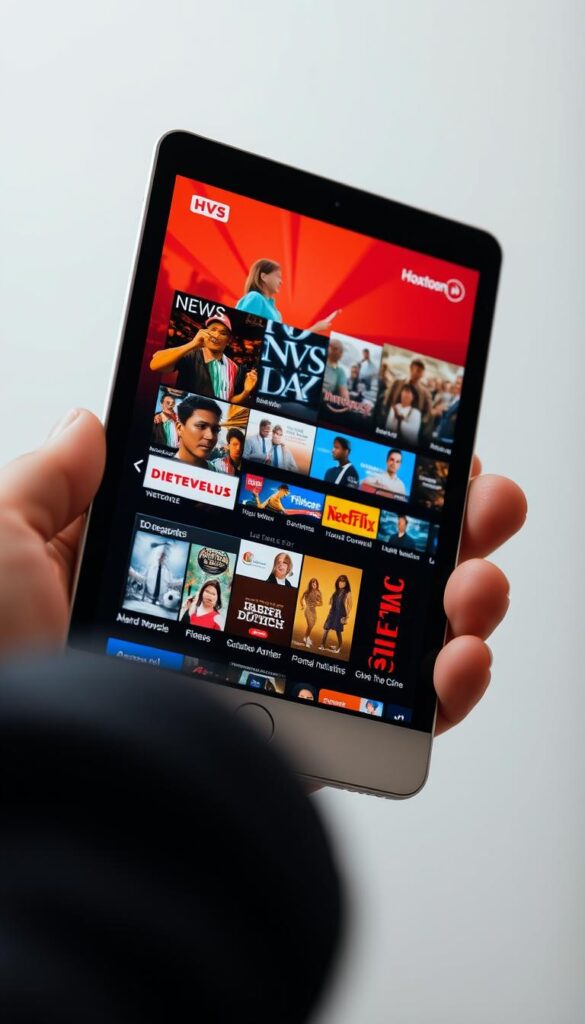
Diving Into the 150,000+ VOD Library
The VOD library is a key feature of Hoxtoon, with over 150,000 titles. It’s a vast collection of movies, TV series, classic films, and original content. With Hoxtoon’s VOD content, you can watch your favorite shows and movies anytime. You can pause, rewind, or fast-forward as you like.
Multi-Device Compatibility and Simultaneous Streaming
Hoxtoon offers a versatile IPTV experience, supporting up to six devices at the same time. This means you can enjoy your favorite channels and shows on multiple iOS devices at once. It’s perfect for families or households with multiple users.
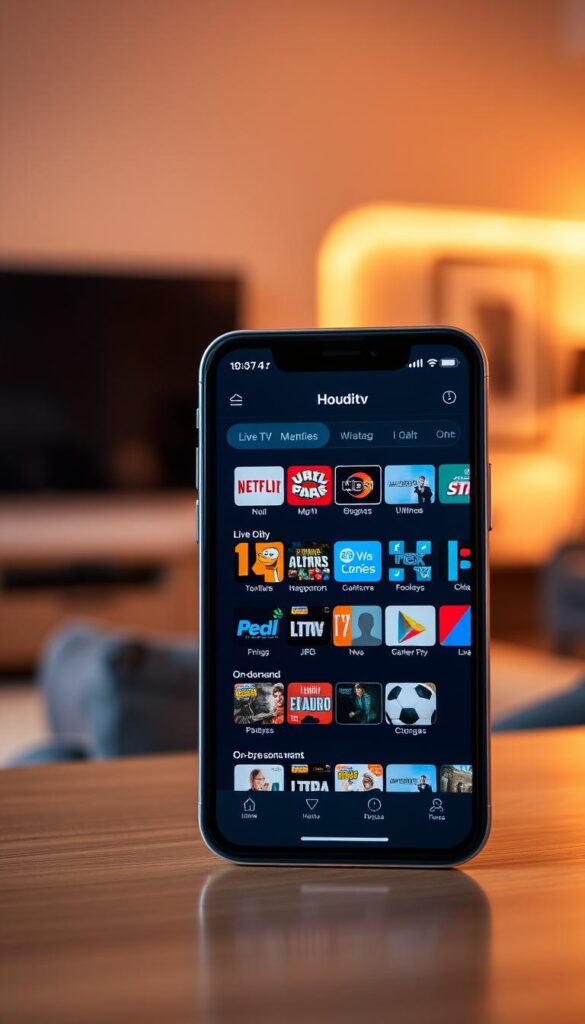
With Hoxtoon’s multi-device compatibility, switching between your iPhone, iPad, and other supported devices is seamless. This flexibility is great in today’s world, where users expect to access content across various platforms.
Supporting Up to 6 Devices Simultaneously
Hoxtoon’s service is a big plus because it supports simultaneous streaming on up to six devices. This is super useful for larger households where everyone wants to watch something different at the same time. You can have your kids watching cartoons on one device while you watch sports on another, all under one subscription.
iOS Device Types Compatible with Hoxtoon
Hoxtoon works with a variety of iOS devices, ensuring high-quality streaming on your Apple device. It supports iPhones and iPads running compatible iOS versions. For the latest on compatible devices and setting up Hoxtoon, check their official website at Hoxtoon IPTV Gold Premium APK.
Hoxtoon Pricing Plans: Finding the Best Value
Hoxtoon has different pricing plans for everyone. Whether you need a short trial or a long subscription, Hoxtoon has it.
Monthly Plan: $9.99 and Quarterly Option: $24.99
Hoxtoon’s monthly plan is just $9.99. The quarterly option at $24.99 is a bit cheaper. It’s perfect for those who want to try without a big commitment.
Semi-Annual Plan: $31.99 and Annual Plan: $43.99
The semi-annual plan is $31.99, and the annual plan is $43.99. These plans are great for regular users. They make Hoxtoon a cost-effective iptv service.
Extended Plans: 2-Year ($69.99) and 3-Year ($89.99) Options
Hoxtoon also has 2-year and 3-year plans for $69.99 and $89.99. These plans save you a lot of money. They make Hoxtoon a premium iptv app that’s still affordable.
Payment Methods and Security
Hoxtoon takes many payment methods for your convenience. The payment is secure with top encryption. For more on Hoxtoon’s IPTV, check out Hoxtoon’s IPTV page.
iOS Compatibility and Performance Optimization
The Hoxtoon IPTV app is made for iOS, giving you a smooth and top-notch viewing experience. Hoxtoon knows how key compatibility and performance are on different devices.
Supported iOS Versions and Requirements
Hoxtoon supports the newest iOS versions for a safe and stable IPTV experience. The app works on iOS 12 or later, fitting many Apple devices. Check if your device fits by looking at the table below:
| Device | Minimum iOS Version |
|---|---|
| iPhone | iOS 12 |
| iPad | iOS 12 |
| Apple TV | tvOS 12 |
iPhone vs. iPad Experience Differences
Hoxtoon works great on both iPhone and iPad, but there are some differences. The iPad gives a bigger screen for a more immersive watch. The iPhone is perfect for watching anywhere, anytime. Hoxtoon makes sure you get a top-notch IPTV experience, no matter your device.
Apple TV Integration Possibilities
Hoxtoon also works with Apple TV, offering a special app for watching on the big screen. With Apple TV, you get access to lots of content, like live TV and VOD, right on your TV. This makes watching even better and more convenient.
By focusing on iOS, Hoxtoon makes sure you have the best live TV app for iPhone and other Apple devices. Whether you’re watching on your iPhone, iPad, or Apple TV, Hoxtoon offers a great IPTV experience.
Step-by-Step Guide to Downloading Hoxtoon on iOS
We’ll show you how to download Hoxtoon on your iOS device. This guide ensures a smooth setup for the best iptv app for ios experience.
Preparing Your iOS Device
First, make sure your iOS device is ready. Check if your device’s iOS version is compatible. Also, ensure you have enough storage space. For more details, see our guide on IPTV 4K Live Installation.
App Store vs. Alternative Installation Methods
You can download Hoxtoon from the App Store for an easy setup. Or, if you prefer manual installation or face restrictions, we have an alternative. But, be careful with third-party sources to avoid security issues.
Installation Process Walkthrough
To install Hoxtoon from the App Store, follow these steps:
- Open the App Store on your iOS device.
- Search for “Hoxtoon” in the search bar.
- Click “Get” next to the Hoxtoon app icon.
- Wait for the installation to complete.
For alternative installation methods, check our detailed guide. After installation, set up your account and start streaming with the streaming app for apple devices.
| Installation Method | Ease of Use | Security |
|---|---|---|
| App Store | High | High |
| Alternative Methods | Moderate | Variable |
Setting Up Your Hoxtoon IPTV App on iPhone and iPad
Setting up Hoxtoon IPTV on your iPhone or iPad is easy. Make sure you have a good internet connection and the app installed. This will make watching TV better.
Initial Configuration and Account Setup
When you open the Hoxtoon IPTV app, you’ll need to set up your account. You’ll either log in or create a new account. The app will help you with this. Have your subscription details ready to finish the setup.
To configure your account:
- Open the Hoxtoon IPTV app on your iPhone or iPad.
- Enter your login credentials or create a new account.
- Follow the on-screen instructions to complete the initial configuration.
Entering Subscription Details and Activation
After setting up your account, you’ll need to add your subscription details. This is important to access all the content. For more on subscription plans, visit the Hoxtoon IPTV premium app page.
| Subscription Plan | Price | Features |
|---|---|---|
| Monthly | $9.99 | Access to 21,000+ live channels, 150,000+ VOD |
| Annual | $43.99 | Same as monthly, with a discounted yearly rate |
Customizing Your Viewing Experience
Once your app is set up, you can make it your own. You can add favorites, create lists, and change playback settings. This makes watching TV more fun and personal.
Creating Favorites and Personalized Lists
With Hoxtoon IPTV, you can make lists of your favorite channels and shows. This way, you can easily find what you love to watch. No more searching every time.
To create a favorites list:
- Navigate to the channel or content you wish to add to your favorites.
- Click on the “Add to Favorites” option.
- Access your favorites list from the main menu for quick viewing.
User Interface and Navigation on iOS Devices
Hoxtoon’s iOS app is made for easy use, with a clean design for better viewing. As a premium iptv app, it makes finding content simple and fun.
Main Menu and Control Layout
The main menu of Hoxtoon’s iOS app is easy to use. It lets you quickly find live TV, VOD, and settings. The controls are straightforward, making it simple to switch between channels or shows.
Search Functionality and Content Discovery
Searching for your favorite shows is easy with Hoxtoon’s app. You can look for specific channels, shows, or genres. The app also suggests content based on what you’ve watched before, helping you find new things.
Gesture Controls and iOS-Specific Features
Hoxtoon uses iOS features to improve your viewing. You can use gestures to move through menus and change playback settings. The app works well with iOS devices, offering a smooth experience.
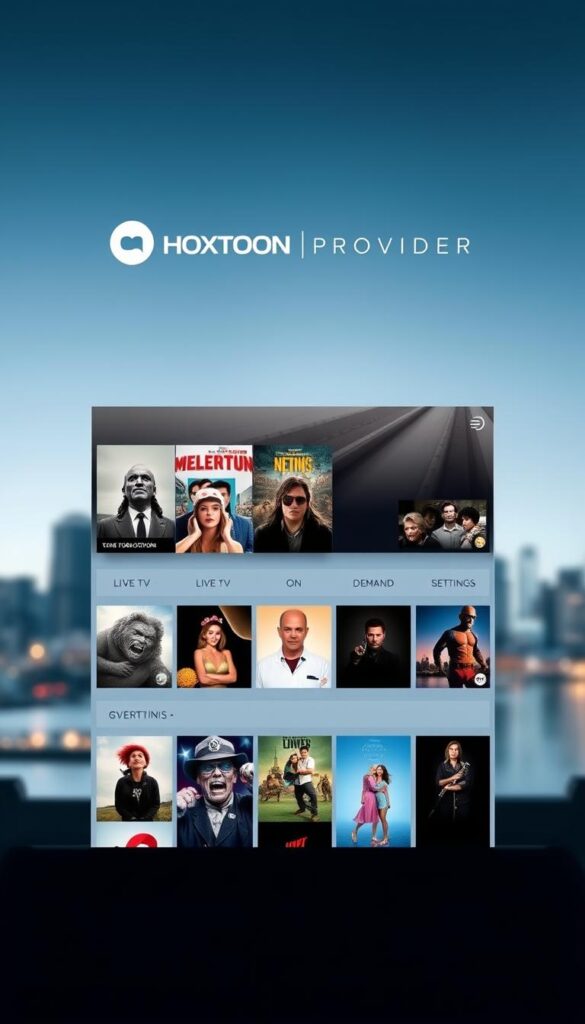
Content Categories and Channel Organization
Hoxtoon offers a wide range of content categories to fit your viewing tastes. As the best live TV app for iPhone, it has an organized channel lineup. This lineup meets the needs of different viewer interests.
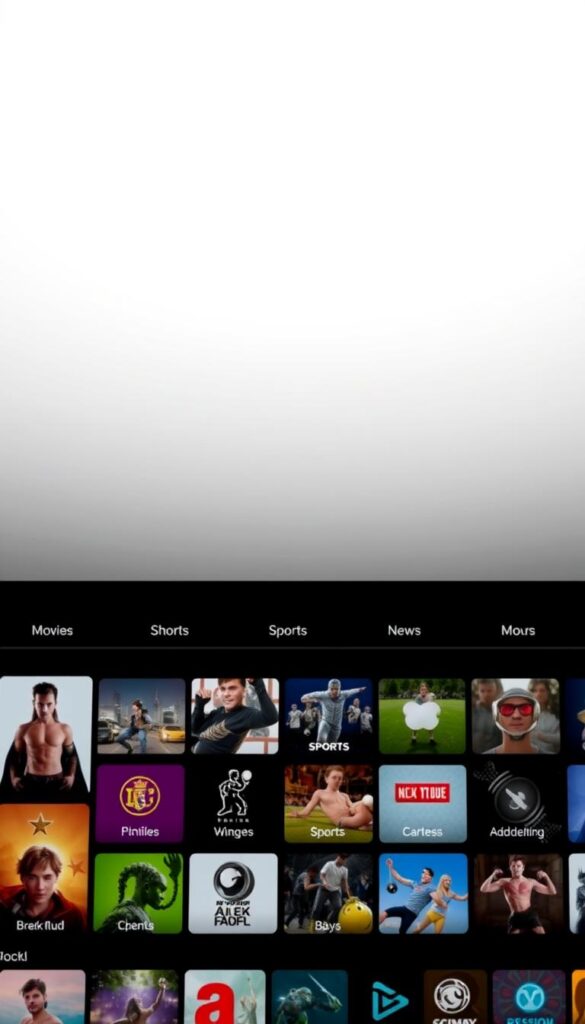
Hoxtoon’s content is carefully sorted into various categories to improve your viewing experience. Let’s dive into some of these categories.
International Channels and Language Options
Hoxtoon knows the value of global content. It provides a broad selection of international channels. Whether you’re into global news, sports, or entertainment, Hoxtoon has it all.
The service includes channels in many languages. This makes it perfect for users who prefer content in their native tongue. It’s a top streaming app for Apple devices for them.
Sports, Entertainment, News, and Specialized Content
Hoxtoon’s library is diverse, with sports, entertainment, news, and specialized channels. Sports fans can watch live matches and get sports news. Entertainment lovers have a wide range of movies, TV shows, and music channels.
News enthusiasts can keep up with 24/7 global news. Hoxtoon also offers specialized content for unique interests. This ensures there’s something for everyone.
By organizing content into these categories, Hoxtoon makes it simple to find and enjoy your favorite channels and shows. This enhances your IPTV experience on iOS devices.
Streaming Quality and Performance Features
Streaming quality is key for IPTV services on iOS devices, and Hoxtoon excels in this area. Enjoy a smooth viewing experience with Hoxtoon’s IPTV app on your iPhone or iPad. It’s an affordable IPTV service that really stands out.
HD and 4K Content Availability
Hoxtoon has a huge library of content in HD and 4K. This means you can watch your favorite TV shows and movies in top-notch quality. With Hoxtoon, you get the best video quality for IPTV for iPhone. It’s perfect for anyone who wants high-quality streaming.
Bandwidth Requirements and Optimization for iOS
Hoxtoon optimizes its service for different bandwidths. The app adjusts to your internet connection for the best streaming quality. This is especially important for iOS users, ensuring a great experience on both iPhone and iPad.
Buffering Prevention and Smooth Playback Techniques
Hoxtoon uses advanced methods to stop buffering and ensure smooth playback. It has strong servers and efficient networks to keep streaming smooth. So, you can watch your favorite content without interruptions on Hoxtoon’s IPTV service.
Comparing Hoxtoon with Other IPTV Services for iOS
Choosing the best IPTV app for iOS can be tough. But Hoxtoon shines above the rest. Let’s look at how it compares to others in terms of content, price, and how well it works on Apple devices.
Content Library Comparison
Hoxtoon has over 21,000 live channels and 150,000 VOD titles. This is more than what many other IPTV services offer. For example, some have around 10,000 live channels and 50,000 VOD titles. Hoxtoon’s vast content library makes it a top choice for those who want lots of options.
| IPTV Service | Live Channels | VOD Titles |
|---|---|---|
| Hoxtoon | 21,000+ | 150,000+ |
| Service A | 10,000 | 50,000 |
| Service B | 8,000 | 30,000 |
Price-to-Value Analysis
Hoxtoon’s prices are competitive, starting at $9.99/month and going up to $89.99 for a 3-year plan. It offers a lot for its price, often beating out competitors. For example, another service charges $14.99/month for less. Learn more about IPTV for sports on Hoxtoon’s website.
Performance and Reliability on Apple Devices
Hoxtoon is designed to work great on iOS devices. It ensures smooth streaming and few interruptions. It supports up to 6 streams at once and works well on iPhones, iPads, and Apple TVs. This is better than some other services that don’t perform as well on iOS.
Troubleshooting Common Issues with IPTV on iOS
Using IPTV on iOS devices can sometimes lead to common issues. These problems can be fixed with the right steps. Services like Hoxtoon aim to give a smooth viewing experience. But, issues can pop up due to internet or device problems.
Connection Problems and Solutions
Connection issues are a big problem for IPTV users. First, check your internet connection. Make sure your iOS device is on a stable, fast network. Try restarting your router or switching to cellular data to see if it helps.
Also, check if your IPTV subscription is active. Make sure you’ve entered the right login details.
Playback Issues and Quick Fixes
Playback problems like buffering or freezing can be annoying. First, check your internet speed. IPTV needs at least 5 Mbps for SD and 25 Mbps for HD.
If your speed is okay, try closing and reopening the IPTV app. Or, uninstall and reinstall it. Make sure your iOS device and the IPTV app are updated. Updates often fix performance issues.
iOS-Specific Troubleshooting Tips
For iOS-specific issues, keep your device’s OS up to date. Compatibility problems can happen if your iOS version is outdated. Try clearing the app’s cache or data to fix software glitches.
If you’re using a VPN, try disabling it. VPNs can sometimes cause streaming problems.
Conclusion: Why Hoxtoon is Your Best Choice for iOS IPTV
Now you know why Hoxtoon is the best iptv app for ios. It has 21,000+ live channels and 150,000+ VODs. This makes Hoxtoon a top premium iptv app for all kinds of viewers.
Hoxtoon works well with many devices like iPhones, iPads, and Apple TVs. This means you can watch your favorite shows anywhere, anytime.
Hoxtoon’s advanced technology ensures top-notch streaming quality. Its easy-to-use interface makes finding and watching content a breeze. Starting at $9.99/month, Hoxtoon is both affordable and packed with features. For more info, check out https://www.hoxtoon.com/encoder-iptv/.
Choosing Hoxtoon means you get a top-notch IPTV service. It offers lots of content, great performance, and a design that puts users first. Switch to Hoxtoon today and improve your iOS IPTV experience.



