
Are you looking to enhance your entertainment experience with a MAG Box? Hoxtoon IPTV is a top IPTV service provider in the USA. They offer an extensive library of channels and support for multiple devices.
With Hoxtoon, you can enjoy seamless streaming on your MAG Box. You’ll have access to a wide range of content. Their service is designed to be user-friendly. This makes it easy to set up and start streaming your favorite shows and movies.
Key Takeaways
- Hoxtoon IPTV is a leading provider in the USA, known for its vast channel selection.
- The service is compatible with MAG Box, ensuring a smooth viewing experience.
- Multi-device support allows you to stream on various platforms.
- Easy setup process to get you started quickly.
- Extensive content library catering to diverse viewing preferences.
What Are MAG Boxes and How Do They Work with IPTV?
MAG Boxes are advanced devices that bring high-quality IPTV streaming to your TV. They connect to your home network and access IPTV services through a portal URL.
MAG Box Technology Explained
MAG Boxes use advanced tech to decode and stream IPTV content. They support many formats and protocols, making them compatible with lots of IPTV services. This tech ensures smooth, high-definition streaming for a great viewing experience.
How IPTV Integrates with MAG Devices
IPTV services work well with MAG Boxes, offering a huge library of channels and on-demand content. Users can pick their favorite channels or shows through an electronic program guide (EPG). Hoxtoon IPTV is a great choice for MAG Box users, with lots of channel options and support for multiple devices.
Advantages of MAG Boxes for Streaming
MAG Boxes have many benefits for IPTV streaming, like high-quality video and easy-to-use interfaces. They also let you record and time-shift content, making your viewing experience better. With a reliable service like Hoxtoon, you can watch your favorite shows on multiple screens.
| Feature | Description | Benefit |
|---|---|---|
| High-Quality Streaming | Supports HD and 4K content | Enhanced viewing experience |
| User-Friendly Interface | Easy navigation through EPG | Simplified content discovery |
| Multi-Device Support | Access content on multiple screens | Flexibility and convenience |
Popular MAG Box Models for IPTV Streaming
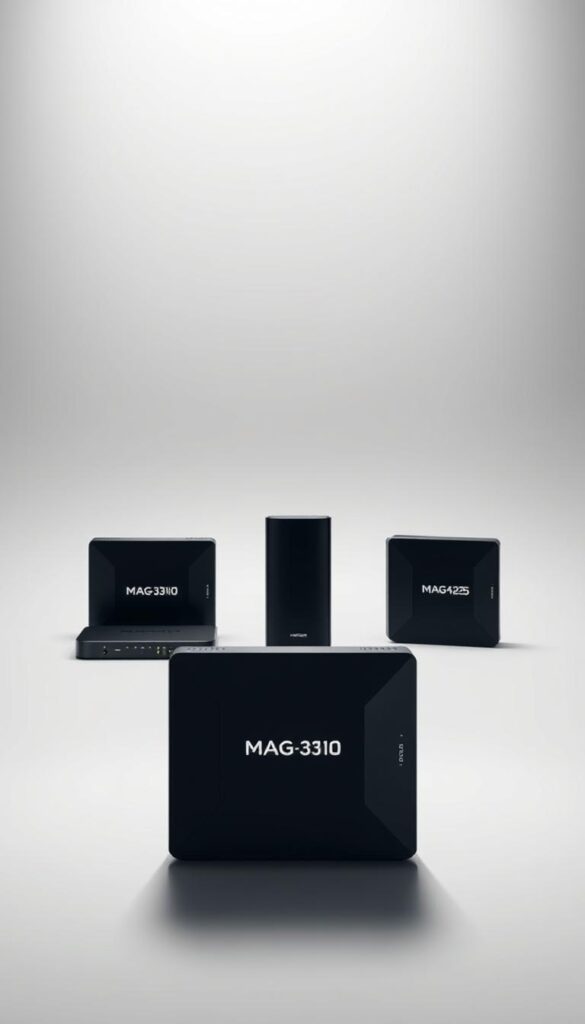
MAG Boxes have changed the game for IPTV streaming. They come in various models to fit different needs and budgets. Whether you watch a lot or just a little, there’s a MAG Box for you.
MAG254/255/256: Entry-Level Options
These models are great for beginners. They’re affordable and still offer good quality. They’re perfect for starting your IPTV journey.
MAG322/323: Mid-Range Performance
Looking for a good balance? The MAG322 and MAG323 models are for you. They have better performance and memory, ideal for demanding IPTV services.
MAG424/425: Premium Features
For the best IPTV experience, go for the MAG424 and MAG425. They have advanced features like higher resolution and powerful processors. You’ll enjoy your IPTV subscription even more.
Which MAG Box is Right for You?
Choosing the right MAG Box depends on your needs, budget, and IPTV service. Think about how many channels you want and the streaming quality you need.
| Model | Processor | RAM | Storage |
|---|---|---|---|
| MAG254 | Single Core | 1GB | 4GB |
| MAG322 | Dual Core | 2GB | 8GB |
| MAG424 | Quad Core | 4GB | 16GB |
Where to Buy IPTV for MAG Box: Top Providers
To enjoy seamless streaming on your MAG Box, you need to buy IPTV from reliable providers. There are many options out there. It’s important to find the best IPTV service that meets your needs.
Online Marketplace Options
Online marketplaces like Amazon or eBay may offer IPTV subscriptions for MAG Box. But, be careful when buying from third-party sellers. The quality and authenticity of the service can vary. Always read reviews and ratings before you buy.
Direct Provider Purchases
Buying IPTV directly from providers like Hoxtoon ensures you get a genuine service. Hoxtoon has competitive pricing, including a monthly plan for $9.99. This makes it an affordable MAG box IPTV option. Direct purchases often have better customer support and more reliable services.
Subscription Management Platforms
Some platforms specialize in managing IPTV subscriptions. They offer a convenient way to buy and manage your service. These platforms may also provide extra features like multi-device support and customizable channel packages.
Avoiding Unreliable Sellers
When buying IPTV for your MAG Box, avoid unreliable sellers. Look for providers with a strong reputation, positive customer reviews, and clear pricing. Be cautious of very cheap options, as they might not offer good service quality.
Choosing a reliable IPTV provider like Hoxtoon ensures a smooth streaming experience on your MAG Box. Always do your research and consider pricing, customer support, and service quality before you buy.
Essential Requirements Before Purchasing IPTV Service
To enjoy your IPTV on a MAG Box, you need to meet some technical needs. It’s important to make sure your setup works well with the IPTV service. This ensures a smooth viewing experience.
Minimum Internet Speed Requirements
A fast and stable internet connection is key for IPTV. You’ll need at least 25 Mbps for SD content, 50 Mbps for HD, and 100 Mbps for 4K. Use online tools to check your internet speed and see if it meets these standards.
Hardware Compatibility Verification
Not all MAG Boxes are the same. Make sure your device works with the IPTV service you want. For example, Hoxtoon IPTV supports MAG254, MAG322, and MAG424. Always check the provider’s compatibility list before buying.
Understanding Service Limitations
It’s crucial to know what your IPTV service can do and what it can’t. Some services might limit how many devices can connect at once or what content you can watch. Always read the service terms to avoid any surprises.
| IPTV Feature | Description | Limitation |
|---|---|---|
| Simultaneous Connections | Multiple devices can be connected | Up to 6 devices with Hoxtoon IPTV |
| Content Availability | Access to live TV and VOD | Some content may be geo-restricted |
Knowing these key requirements helps you choose the right IPTV service for your MAG Box. This ensures a top-notch viewing experience.
Hoxtoon: The Leading IPTV Provider in the USA
For those looking for the best IPTV for MAG Box, Hoxtoon is a top pick. It has a strong setup and focuses on quality. This makes Hoxtoon a leading IPTV service in the United States.
Company Background and Reputation
Hoxtoon is known for reliable service and a wide range of content. It has invested in its infrastructure for high-quality streaming and less downtime.
Extensive Channel Library: 21,000+ Live Channels
Hoxtoon offers over 21,000 live channels. You’ll find sports, entertainment, news, and international channels. This means there’s something for everyone. Enjoy IPTV channels for MAG Box without limits.
“Hoxtoon’s extensive channel lineup is a game-changer for IPTV users, offering unparalleled variety and access to global content.”
Massive VOD Collection: 150,000+ Movies and Shows
Hoxtoon also has a huge VOD collection with over 150,000 movies and shows. This library is always growing with new titles. So, you’ll always have access to the latest content.
Multi-Device Support: Connect Up to 6 Devices Simultaneously
Hoxtoon knows how important flexibility is in streaming. It supports up to 6 devices at once. Watch on your MAG Box, smartphone, or tablet with ease.
With Hoxtoon, you get a smooth IPTV experience on your MAG Box. It has a user-friendly interface and strong features. Choosing Hoxtoon means you’re choosing quality, reliability, and customer satisfaction.
Comprehensive Hoxtoon IPTV Pricing Plans
Hoxtoon offers affordable MAG box IPTV options with various plans. These plans fit different budgets and viewing habits.
Hoxtoon’s IPTV service is flexible and meets different needs. Whether you need it short-term or long-term, Hoxtoon has an IPTV package for MAG box users for you.
Monthly Plan: $9.99 for Full Access
The monthly plan is great for trying out Hoxtoon’s service or for a short period. For $9.99, you get full access to Hoxtoon’s vast library of live channels and VOD content.
Quarterly Plan: $24.99 for 3 Months
The quarterly plan is for those who want to commit a bit more. It offers three months of service for $24.99, which works out to $8.33 per month.
Semi-Annual and Annual Options
Hoxtoon also has semi-annual and annual plans for $31.99 and $43.99, respectively. These plans offer more value, with the annual plan costing just $3.66 per month.
Long-Term Value: 2-Year and 3-Year Plans
For the most committed users, Hoxtoon offers 2-year and 3-year plans for $69.99 and $89.99, respectively. These plans are the best value, with the 3-year plan costing just $2.49 per month.
| Plan | Price | Cost per Month |
|---|---|---|
| Monthly | $9.99 | $9.99 |
| Quarterly | $24.99 | $8.33 |
| Semi-Annual | $31.99 | $5.33 |
| Annual | $43.99 | $3.66 |
| 2-Year | $69.99 | $2.91 |
| 3-Year | $89.99 | $2.49 |
For more information on Hoxtoon’s IPTV services, visit their website at https://www.hoxtoon.com/cheap-4k-live-iptv-2/. If you’re interested in IPTV lifetime subscriptions, check out this article for detailed insights.
How to Purchase and Activate Hoxtoon IPTV for Your MAG Box
Getting Hoxtoon IPTV for your MAG Box is easy. First, create a Hoxtoon account. Then, pick a subscription plan, pay securely, and activate your service.
Creating Your Hoxtoon Account
Start by going to the Hoxtoon website and clicking “Sign Up” or “Register”. You’ll need to enter your name, email, and a password. Make sure your email is valid for communication and verification.
Selecting the Right Subscription Plan
After your account is set up, choose a subscription plan. Hoxtoon has monthly, quarterly, semi-annual, and annual plans. Think about your budget and how much you watch to pick the right one.
Payment Methods and Security
Hoxtoon accepts many secure payment methods like credit/debit cards and online platforms. Your payment is encrypted to keep your info safe.
Receiving and Using Your Activation Details
After you pay, you’ll get an email with your activation info. It will have a username and password for your MAG Box. Just follow the email’s instructions to activate your service.
By following these steps, you can easily get Hoxtoon IPTV for your MAG Box. You’ll get access to lots of live channels and on-demand content.
Step-by-Step MAG Box IPTV Setup Guide
When you decide to buy IPTV for MAG box, start by setting up your device. This guide will help you do it easily and quickly.
Initial MAG Box Configuration
First, unpack your MAG Box and connect it to your TV with an HDMI cable. Make sure your TV is set to the right HDMI input to see the MAG Box’s screen.
Turn on the MAG Box and follow the on-screen steps. You might need to pick your language and agree to terms.
Connecting to Your Home Network
To get online, go to the network settings on your MAG Box. You can use a wired Ethernet or Wi-Fi. Wired is usually better for performance.
If you’re using Wi-Fi, pick your network from the list and enter your password.
Entering Portal URL Information
Once you’re online, enter the portal URL from your IPTV service. You should find this in your welcome email or account info.
Be careful with the URL to avoid connection problems.
Activating Your IPTV Subscription
To start your IPTV service, enter your username and password. If you can’t find these, check your service’s documentation or contact support.
When looking for MAG box IPTV for sale, make sure to buy from a trusted seller to avoid setup problems.
Troubleshooting Common Setup Issues
If you run into problems like buffering or connection issues, check your internet. Restarting your MAG Box can often fix things.
For harder problems, look at your IPTV service’s troubleshooting guide or contact their support. You can also find tips on fixing IPTV issues.
By following these steps, you should be able to set up your MAG Box for IPTV streaming. Enjoy your favorite shows and movies with a smooth experience.
Navigating the Hoxtoon IPTV Interface on MAG Box
Setting up your MAG Box with Hoxtoon IPTV is easy. The interface is made for a smooth viewing experience. It’s simple to use and understand.
Understanding the Main Menu and Layout
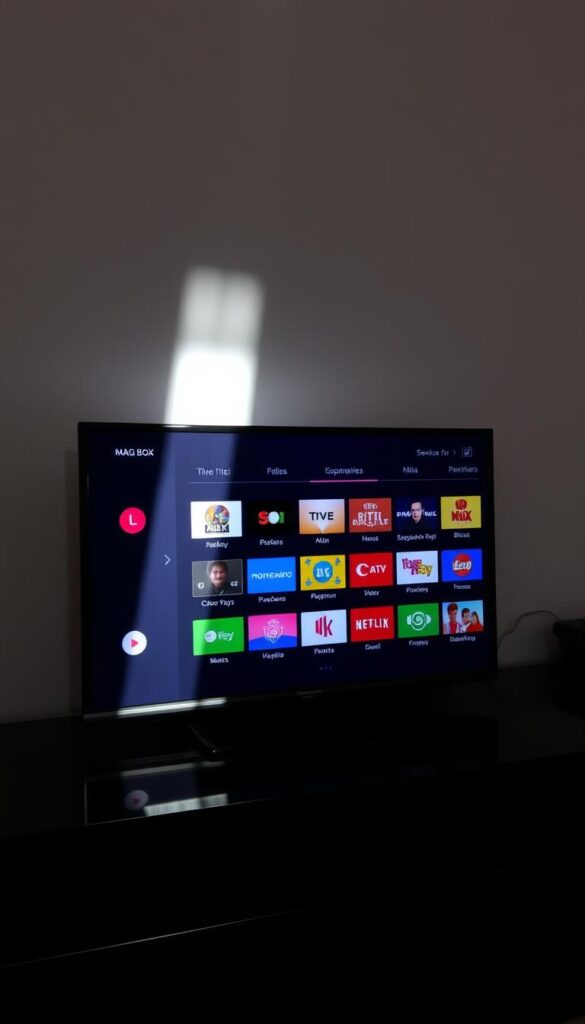
The main menu on your MAG Box is your entry to lots of features. It’s divided into sections like Live TV, VOD, and EPG. You can move through these using your remote.
Browsing Live TV Channels and Categories
To see live TV channels, go to the Live TV section. Channels are sorted by genre for easy finding. You can check out sports, news, and entertainment. For more channel info, visit Hoxtoon’s IPTV support page.
Accessing the Extensive VOD Library
The VOD library has a huge selection of movies and TV shows. You can search by title or genre. It’s great for watching your favorite shows anytime.
Using the Electronic Program Guide (EPG)
The EPG shows you what’s coming up on different channels. You can plan your viewing, set reminders, or record shows if your MAG Box can.
Creating Favorites and Custom Channel Lists
You can make lists of your favorite channels. This makes it easy to find the channels you watch most. It personalizes your IPTV experience.
Learning how to use these features will enhance your Hoxtoon IPTV experience on your MAG Box. The service is made to be easy to use, ensuring a great viewing experience.
Alternative Top IPTV Services Compatible with MAG Box
The IPTV world for MAG Box is vast, with many providers offering great features. Hoxtoon is a top pick, but other services are also worth looking at for your MAG Box.
XtreamTV: Features and Pricing Comparison
XtreamTV is a favorite for its wide range of channels and VOD content. It starts at $8.99/month, making it a cost-effective MAG box IPTV option. It has:
- Over 18,000 live channels
- 50,000+ movies and TV shows on demand
- Support for multiple devices, including MAG Box
- 24/7 customer support
Smart IPTV: Features and Pricing Comparison
Smart IPTV is also highly regarded for MAG Box users. It starts at $9.99/month. It offers:
- Easy setup and configuration
- A wide selection of international channels
- Regular updates with new content
- Compatibility with various devices beyond MAG Box
IPTV Smarters: Features and Pricing Comparison
IPTV Smarters is known for its easy-to-use interface and strong features. It starts at $8.50/month. It has:
- High-quality streaming with minimal buffering
- Extensive EPG (Electronic Program Guide)
- Support for multiple connections
- Regular updates and new feature additions
For more info on IPTV services, check out Guru99’s IPTV services review. It compares different providers in detail.
Why Hoxtoon Stands Out Among Competitors
Hoxtoon is unique in several ways:
- Extensive Channel Library: With over 21,000 live channels, Hoxtoon has a huge selection.
- Massive VOD Collection: It has more than 150,000 movies and TV shows, making its VOD library vast.
- Multi-Device Support: Hoxtoon lets you connect up to 6 devices at once, offering flexibility.
- Competitive Pricing: Starting at $9.99/month, Hoxtoon offers great value for its features and content.
When picking an IPTV service for your MAG Box, think about channel lineup, VOD content, pricing, and device support. While XtreamTV, Smart IPTV, and IPTV Smarters are good options, Hoxtoon’s wide range and good price make it a top choice for many.
Maximizing Your IPTV Experience on MAG Box
To get the most out of your IPTV on MAG Box, tweak your network and device settings. This will make your viewing experience smoother and more personal with top-notch IPTV services.
Network Optimization Techniques
For a stable IPTV connection, optimize your home network. Use a wired Ethernet connection for a more reliable link. Also, set IPTV traffic as a priority on your router to cut down on buffering and lag.
Using External Storage for Recording Content
Many MAG Boxes let you record shows on external storage. Connect a USB hard drive or flash drive to save content. This is great for recording live TV or setting up recordings in advance.
Parental Controls and Content Filtering Options
Enable parental controls on your MAG Box for a safe viewing space. This lets you block certain channels or content based on age. You can also create PIN-protected profiles for different users.
Customizing Your Viewing Experience
IPTV packages for MAG Box offer customization options. You can make favorite channel lists, set EPG preferences, and even customize the interface. Exploring these can greatly improve your IPTV experience.
Follow these tips to enhance your IPTV experience on MAG Box. Enjoy a more satisfying and personalized entertainment experience.
Troubleshooting Common IPTV Issues on MAG Box
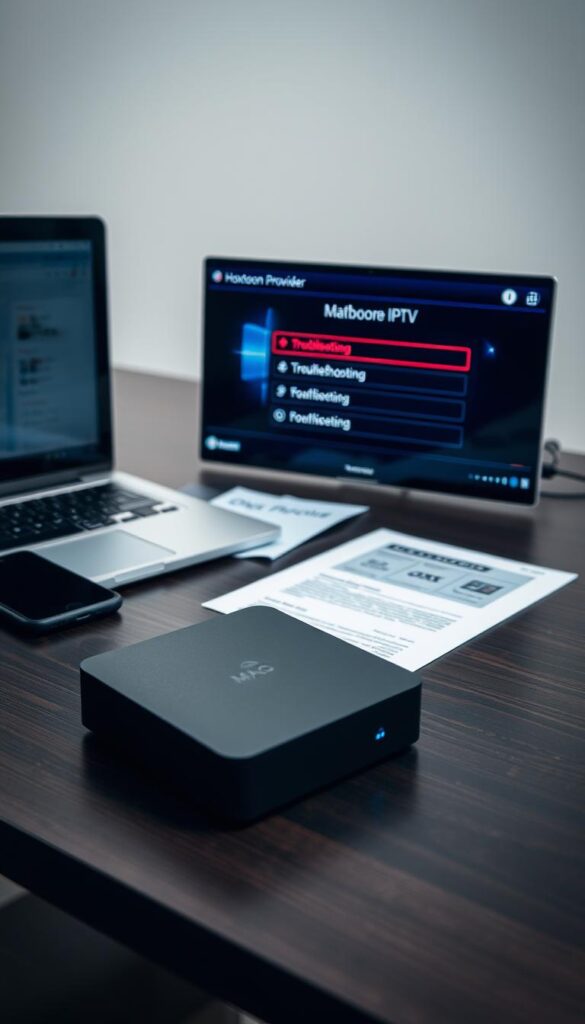
Fixing IPTV problems on your MAG Box is easy with the right help. High-quality MAG box IPTV providers offer a smooth viewing experience. But, sometimes, issues can pop up.
Resolving Buffering and Streaming Problems
Buffering and streaming issues often stem from your internet connection. Make sure your network speed is up to par for IPTV streaming. Try restarting your MAG Box or updating its firmware.
- Check your internet speed with an online tool.
- Restart your router and MAG Box for a fresh start.
- Update your MAG Box firmware to the latest version.
Fixing Connection and Authentication Errors
Connection and authentication errors usually come from wrong login details or server problems. Double-check your login info and reach out to your IPTV provider’s support if problems continue.
| Error Type | Possible Cause | Solution |
|---|---|---|
| Authentication Error | Incorrect login credentials | Verify username and password |
| Connection Error | Server issues or network problems | Contact IPTV provider’s support |
Addressing Channel Loading Issues
If channels won’t load, try restarting your MAG Box. Also, check for any service alerts from your IPTV provider. Keeping your MAG Box software up to date can also help.
Solving Audio and Video Sync Problems
Audio and video sync issues might be due to wrong settings on your MAG Box or TV. Check your device settings and adjust the audio delay if needed.
- Check the audio settings on your TV and MAG Box.
- Adjust the audio delay to sync with the video.
When and How to Contact Hoxtoon Support
If you’ve tried troubleshooting and still face issues, it’s time to reach out to Hoxtoon’s support. They can help with account and technical problems. They’ll guide you through more complex steps.
For the best IPTV for MAG box experience, keep your internet stable and your device updated. Hoxtoon’s support is ready to help you get the most out of your IPTV service.
Enhancing Your MAG Box Setup with Accessories
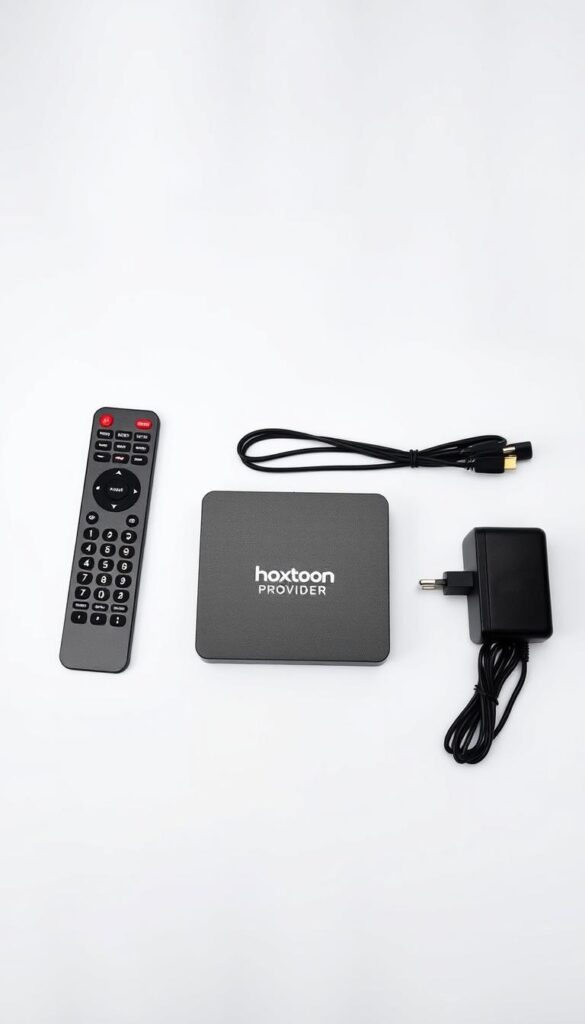
To get the most out of your MAG Box, consider adding the right accessories. These can make your IPTV experience better, offering more convenience, flexibility, and performance.
External Storage Options for Recording
External storage devices can enhance your MAG Box by letting you record shows and movies. You can find external hard drives and USB storage devices that work with MAG Box. For example, you can buy external storage on eBay made for IPTV devices.
Wireless Keyboards and Remote Controls
Using a wireless keyboard or remote control makes navigating your MAG Box easier. These devices offer a more comfortable way to browse channels, search for content, and manage IPTV settings. Make sure they’re compatible with your MAG Box model.
Network Enhancement Devices
For a stable and fast connection, use network enhancement devices like Wi-Fi extenders or powerline adapters. They can cut down on buffering and enhance your IPTV experience.
HDMI and Audio Accessories
For the best viewing, use high-quality HDMI cables and audio accessories. They help keep your video and audio signals clear, ensuring top-notch quality for your content.
Adding these accessories to your MAG Box setup can greatly improve your IPTV experience. Whether you want better performance, convenience, or quality, there’s an accessory for you. Think about what you need and check out the options to find the perfect additions for your MAG Box.
Legal Considerations When Using IPTV Services
It’s important to know the legal side of IPTV to stay safe. IPTV services deal with many laws, like content licenses and local rules. This helps users avoid legal trouble.
Understanding Content Licensing
Content licensing is key for IPTV. Good IPTV services have the right licenses. This means users can watch content legally.
Choosing services that focus on licensing is crucial. This way, you avoid copyright infringement.
Regional Restrictions and Compliance
IPTV services face rules based on where they operate. Users must follow these rules to stay out of trouble. Hoxtoon IPTV follows these rules, making sure users watch content legally.
Choosing Legitimate IPTV Providers
Picking a trustworthy IPTV provider is essential. Look for ones that are open about their licensing and follow the law. Top MAG box IPTV services like Hoxtoon make sure they are legal. This gives users a safe place to stream.
Terms of Service Awareness
Users need to know their IPTV provider’s terms. Understanding these rules helps users use the service right. It also keeps them from getting in trouble with the provider or the law.

Future Trends in IPTV and MAG Box Technology
Future trends in IPTV and MAG Box technology will change how we stream. As more people want better streaming, companies are working hard to improve. They aim to meet the growing demand for quality and flexibility.
Upcoming MAG Box Models and Features
New MAG Box models will have more power, better UI, and cool features like voice control. They will also suggest content based on what you like. This will make watching TV more personal and easy.
IPTV Technology Advancements
IPTV is getting better with higher streaming quality, less delay, and better networks. These changes mean you’ll get a more reliable and better streaming experience.
Streaming Industry Evolution
The streaming world is moving towards more personal and interactive content. Soon, you’ll see more special services and packages. These will mix traditional TV with streaming on demand.
What to Expect from Hoxtoon’s Future Offerings
Hoxtoon will keep bringing new things, like better EPG, stronger parental controls, and more VOD. Their focus on top-notch MAG box IPTV services means exciting updates for users.
| Feature | Current | Future |
|---|---|---|
| Streaming Quality | Up to 1080p | Up to 4K |
| Content Options | 20,000+ channels | 30,000+ channels |
| Device Support | Up to 6 devices | Up to 10 devices |
Conclusion: Making the Smart Choice for Your IPTV Needs
Choosing the right IPTV service for your MAG Box is key to a better viewing experience. Hoxtoon IPTV offers a wide range of channels, strong features, and good prices. To buy IPTV for MAG box, Hoxtoon is a top choice. It provides smooth streaming, a user-friendly interface, and seamless integration.
Choosing Hoxtoon means getting a dependable IPTV service. It opens up a world of entertainment for you. You can watch your favorite shows and movies anytime, access a huge library of content, and get regular updates and great customer support.
Make a smart choice and improve your IPTV experience. Check out Hoxtoon’s options today. See why it’s the best for MAG box users.



